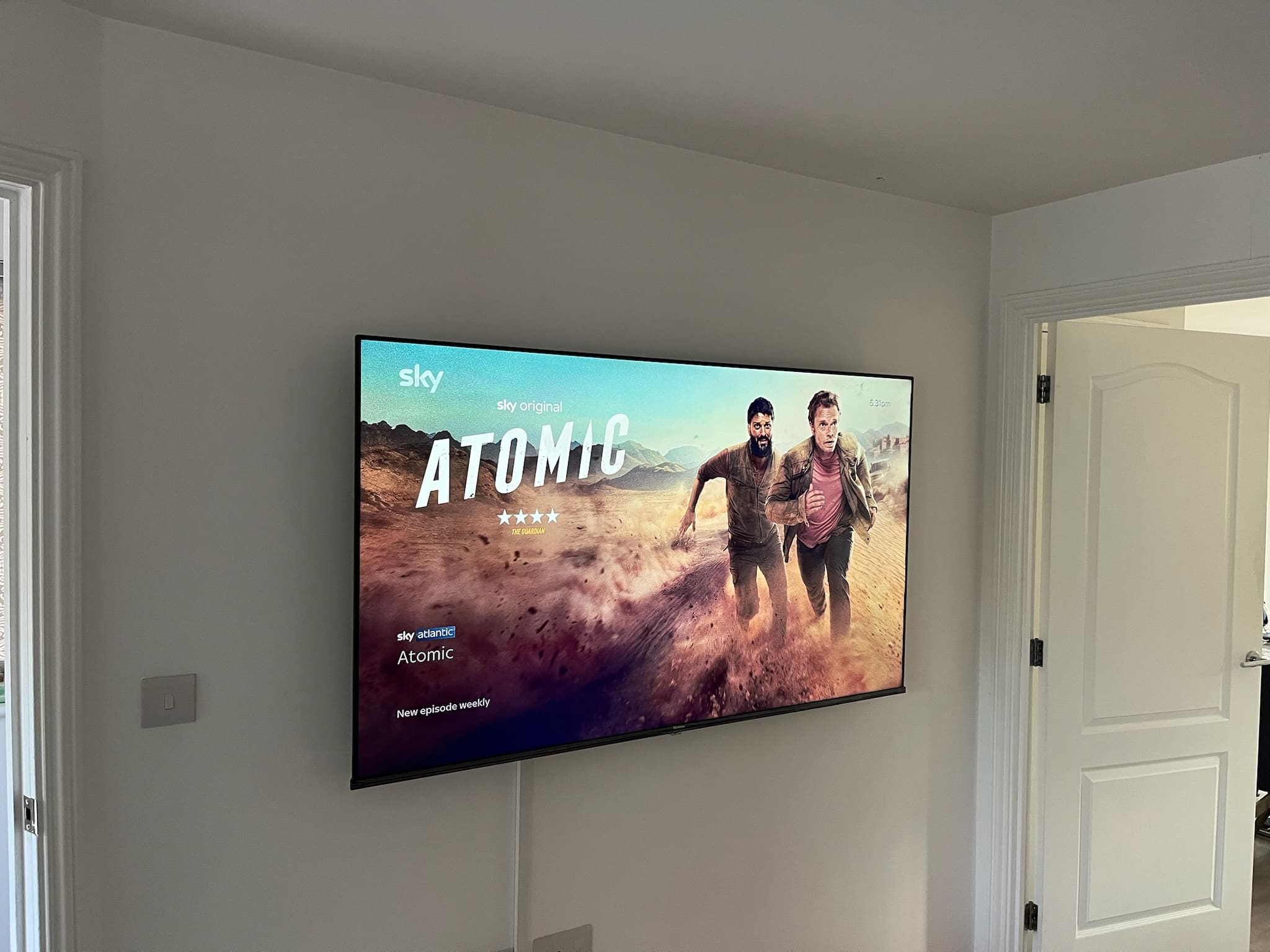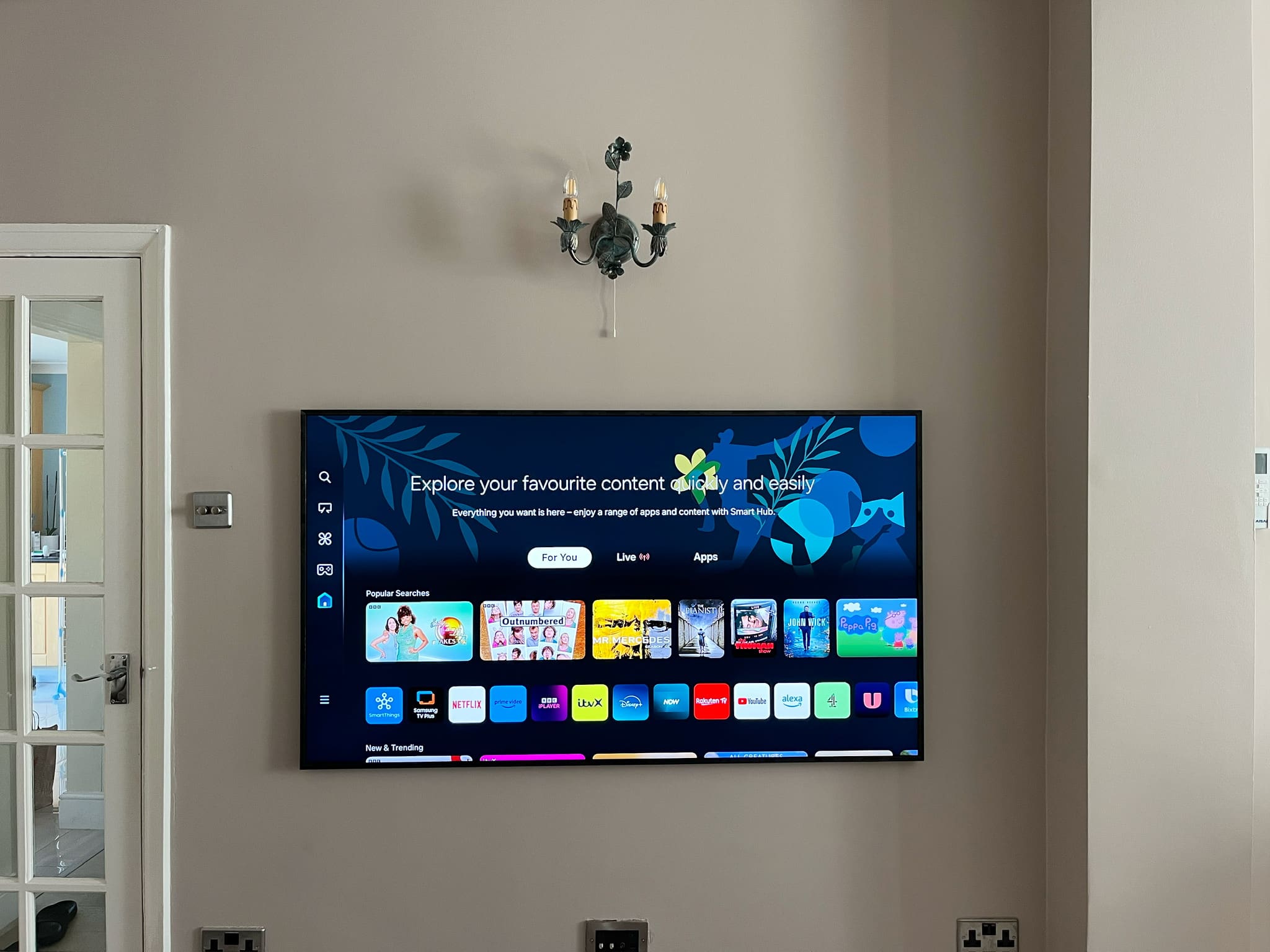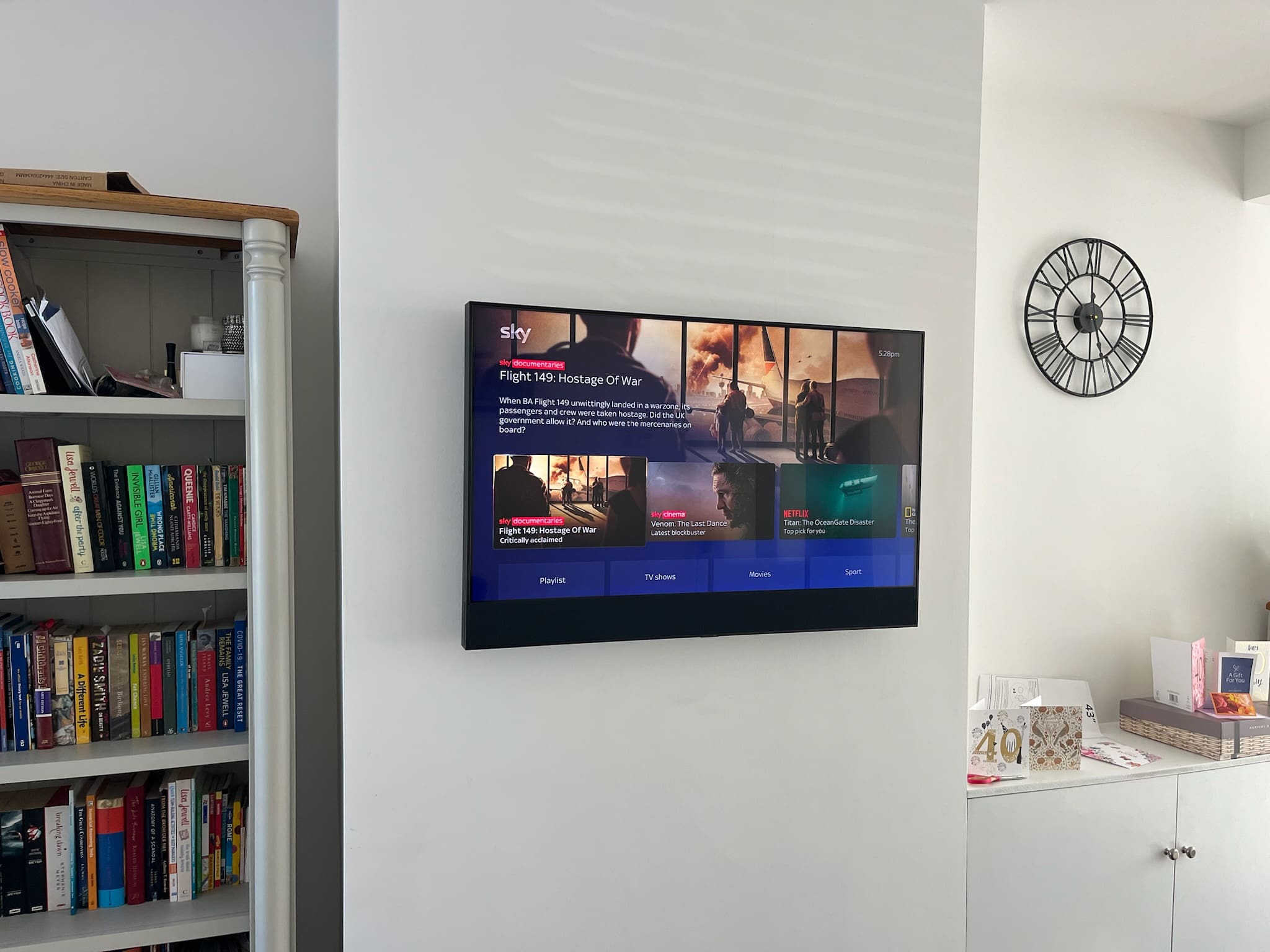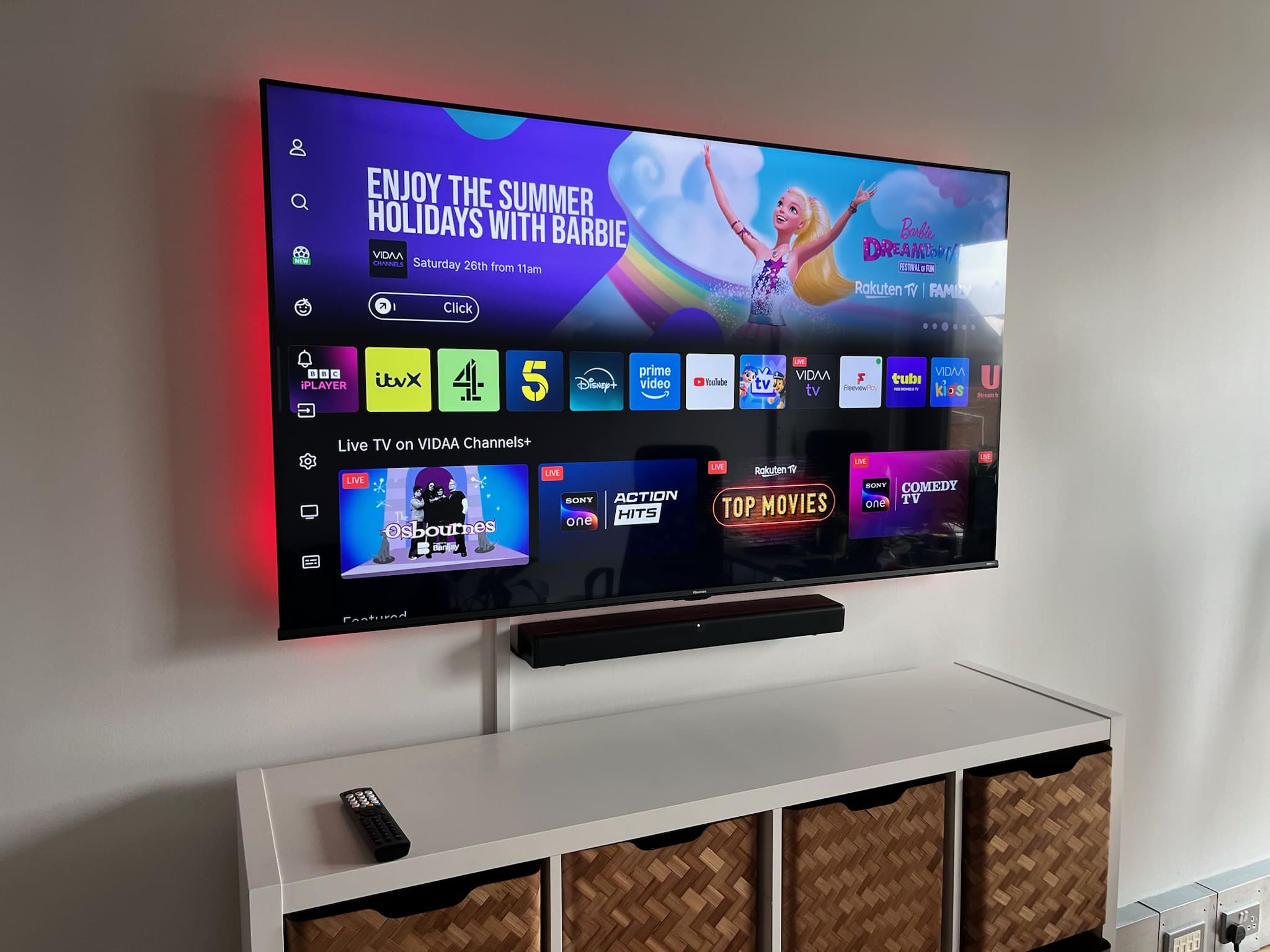
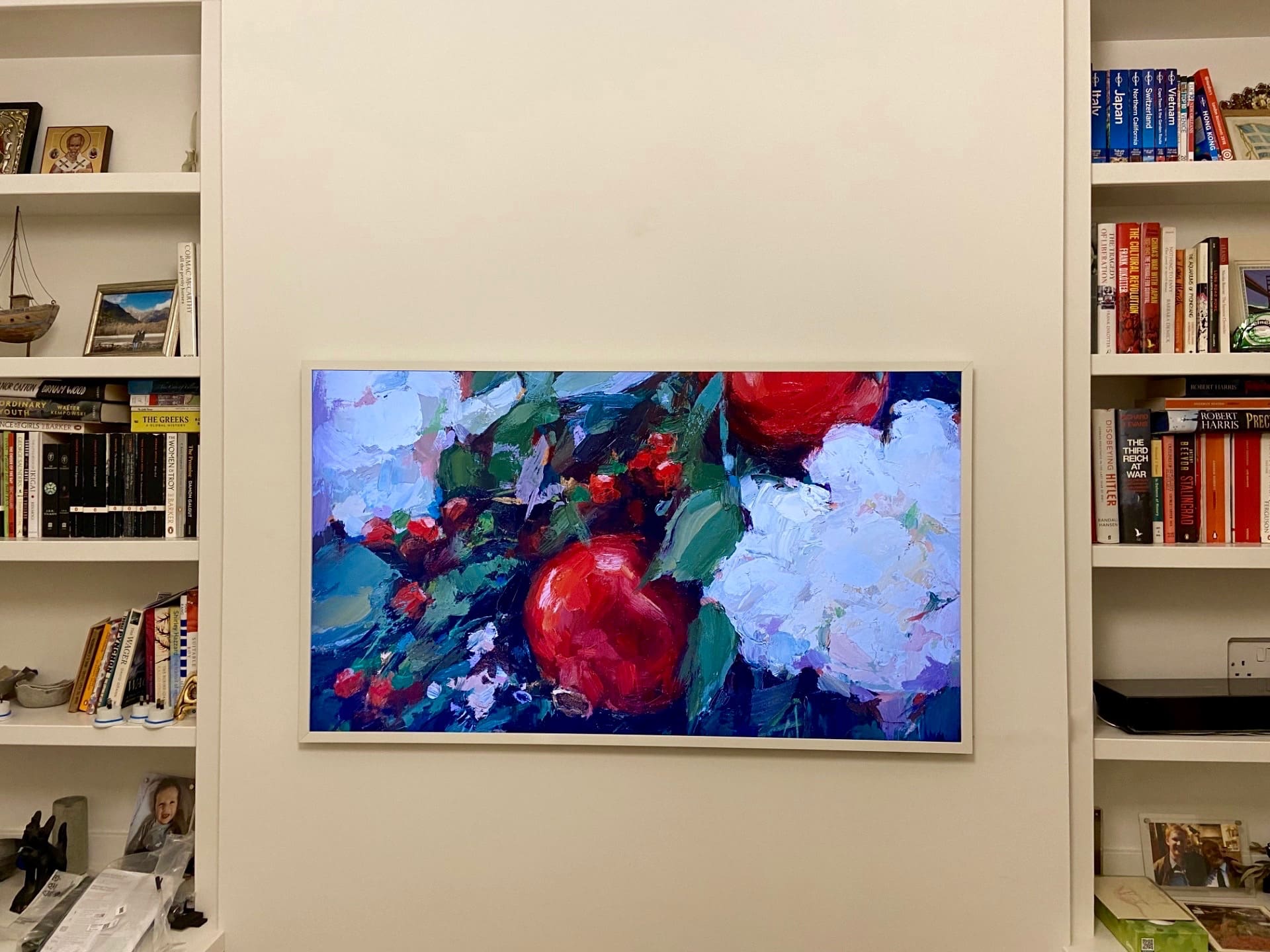
The Samsung Frame TV is designed to look more like framed artwork than a conventional television. When it is switched off, Art Mode can display artwork or photographs, while its slim design allows the screen to sit extremely close to the wall. Because of this design, Samsung Frame TV installation requires more careful planning than mounting a standard television.
At TV Mounter, we have 10+ years of TV wall mounting experience and install Samsung Frame TVs in homes, flats and apartments across London and surrounding counties. This guide explains what you should consider before installing a Samsung Frame TV, from wall preparation and bracket positioning to the One Connect Box and cable management.
Why Is Samsung Frame TV Installation Different?
A standard television is commonly installed on a universal fixed, tilt or full-motion TV bracket. These brackets normally leave some space between the television and the wall.
The Samsung Frame is different. Compatible models use Samsung’s slim wall-mounting system, designed to position the television very close to the wall.
This means accurate measurements and careful wall preparation are particularly important. Even relatively small obstacles behind the television can affect how neatly the screen sits.
Check the Wall Before Installation
Before starting a Samsung Frame TV installation, the wall construction should be identified.
Samsung Frame TVs may be installed on suitable:
- Brick walls
- Plasterboard walls
- Stud walls
- Dot-and-dab walls
- Concrete or solid walls
The correct fixing method will depend on the wall construction, TV size, mounting system and fixing positions.
Never assume that the fixings supplied with a mounting system are suitable for every wall. A secure installation requires appropriate fixings for the actual wall structure.
Check for Sockets Behind the Samsung Frame TV
This is one of the most important checks before installation.
Because the Samsung Frame is designed to sit extremely close to the wall, a standard electrical socket, plug, aerial connection or other protruding fitting directly behind the television can prevent the screen from sitting flush.
If you already have sockets in the intended TV position, check their depth and location before mounting the television.
In some installations, the position of existing electrical accessories may mean the Samsung Slim Fit mounting system cannot achieve its intended close-to-wall appearance. An alternative installation arrangement may therefore be required.
Choosing the Correct Height
Do not choose the TV height based only on where the bracket fits.
Consider:
- Your normal seating position
- Sofa height
- TV screen size
- Viewing distance
- Furniture underneath the television
- Soundbar position
- Existing sockets and cables
- The visual balance of the wall
The final position should be measured before drilling begins.
This is especially important with a Samsung Frame because customers often want the television positioned similarly to a piece of artwork.
Measuring and Positioning the Slim Fit Wall Mount
Accurate bracket positioning is essential.
Before drilling, the installer should establish the intended centre point of the television and calculate where the mounting components need to sit in relation to the TV.
The mounting points must then be level and correctly spaced.
A small measurement error at the bracket stage can become much more noticeable once a large television is mounted on the wall.
Understanding the One Connect Box
Depending on the Samsung Frame model, the television may use a separate One Connect Box.
Instead of connecting every external device directly to the back of the television, compatible equipment connects through the One Connect system.
You therefore need to decide where the box will be positioned before completing the installation.
Possible locations may include a TV unit, cabinet or another suitable accessible position near the television.
Do not permanently hide equipment somewhere that prevents reasonable access for future troubleshooting, replacement or connection of additional devices.
Now – Fast
& Reliable!
Can Samsung Frame TV Cables Be Hidden Inside the Wall?
Cable concealment depends on the wall construction and the installation requirements.
TV Mounter offers internal cable concealment on suitable plasterboard walls where there is sufficient cavity space, internal clearance and an appropriate route for the cables.
Typically, an opening is made behind the television and another at a suitable lower position. Compatible cables can then be routed through the cavity and the openings finished neatly with faceplates.
We do not chase cables into brick or solid walls.
Where internal concealment is unsuitable, surface cable-management solutions such as trunking can provide a tidy alternative.
Electrical power cables and other wiring must always be installed in accordance with applicable safety requirements; do not assume every supplied cable is suitable for routing inside a wall.
Installing a Soundbar With a Samsung Frame TV
A wall-mounted soundbar can complement the clean appearance of a Samsung Frame installation.
The soundbar should normally be centred with the television and positioned with appropriate spacing between the two.
Before drilling, consider the soundbar’s mounting system, width, cable connections and final TV height. Planning both installations together generally produces a cleaner result than adding the soundbar after the TV position has already been fixed.
What About Sky, Virgin TV and Streaming Devices?
A Samsung Frame setup may also include equipment such as Sky, Virgin TV, Apple TV, Fire TV, games consoles or other streaming devices.
Plan where these devices will be located before mounting the TV. Smaller compatible equipment may sometimes be positioned discreetly, while larger equipment may be better placed in a cabinet or TV unit.
The goal should be a tidy installation without compromising ventilation, wireless connectivity or access to the equipment.
Common Samsung Frame TV Installation Mistakes
Several problems can prevent a Frame TV installation from achieving the intended finish:
- Installing the TV before checking for sockets behind it.
- Using unsuitable wall fixings.
- Measuring the bracket position incorrectly.
- Forgetting to plan the One Connect Box location.
- Assuming cables can automatically be concealed inside any wall.
- Mounting the television too high for comfortable viewing.
- Failing to plan the soundbar position beforehand.
- Drilling without considering hidden pipes, cables or wall construction.
- Trying to force the TV flush against an obstruction.
- Treating the Samsung Frame mounting system exactly like a standard universal TV bracket.
Professional Samsung Frame TV Installation
Although the finished installation can look simple, achieving that appearance requires careful measurement and preparation.
TV Mounter provides professional Samsung Frame TV installation with 10+ years of TV wall mounting experience. We can assess the wall, determine the appropriate mounting method, position the television, install the mounting system, organise compatible cables and install a soundbar where required.
Our TV wall mounting services cover London, Kent, Essex, Surrey, Sussex, Hertfordshire, Bedfordshire, Cambridgeshire, Buckinghamshire and Berkshire.
TV Mounter is fully insured during installation, and our installation workmanship comes with a 1-year workmanship guarantee.
Samsung Frame TV Installation FAQs
Can a Samsung Frame TV be wall mounted?
Yes. Samsung Frame TVs are specifically designed for wall mounting, and compatible models can use Samsung’s slim mounting system to achieve a close-to-wall appearance.
Can you install a Samsung Frame TV on plasterboard?
Yes, subject to the construction and condition of the wall. The correct fixing method needs to be selected for the particular wall and television.
Can you install a Samsung Frame TV on a brick wall?
Yes. A Samsung Frame TV can be installed on a suitable brick wall using appropriate fixings. TV Mounter does not chase brick walls for internal cable concealment.
Can I have a socket directly behind my Samsung Frame TV?
A protruding socket or plug behind the television can interfere with the close-to-wall design. The proposed installation area should therefore be checked before mounting.
Can the One Connect cable be hidden?
This depends on the particular TV/cable specification, wall construction and applicable installation requirements. Internal cable concealment should only be carried out where the cable and installation method are suitable.
Do you install soundbars with Samsung Frame TVs?
Yes. TV Mounter can mount compatible soundbars alongside a Samsung Frame TV installation, with careful positioning to keep the television and soundbar aligned.
How much does Samsung Frame TV installation cost?
The cost depends on the TV size, wall construction, mounting requirements and any additional work such as soundbar installation or cable management. Contact TV Mounter with your TV model, postcode and photographs of the installation area for an accurate quote.
How long does Samsung Frame TV installation take?
Installation time varies depending on the TV size, wall type, mounting arrangement and whether additional cable management or soundbar installation is required. A more complex installation will naturally take longer than a straightforward wall mount.
Book a Samsung Frame TV Installation
For a professional Samsung Frame TV installation, contact TV Mounter on 07488 302095.
With 10+ years of experience, fully insured installation and a 1-year workmanship guarantee, we provide professional TV wall mounting across London and surrounding counties.